Connecting Scanz with TD Ameritrade (ThinkorSwim)
To connect your Scanz platform to your TD Ameritrade (ThinkorSwim) account, follow the steps listed below:
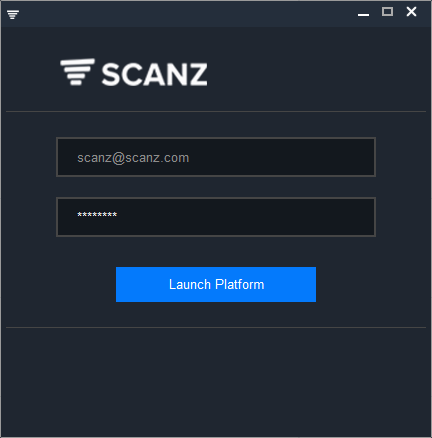
**Step 1 : **Launch your Scanz platform.
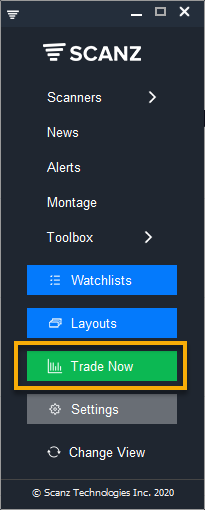
Step 2 : Click the green button Trade Now on the LaunchPad.
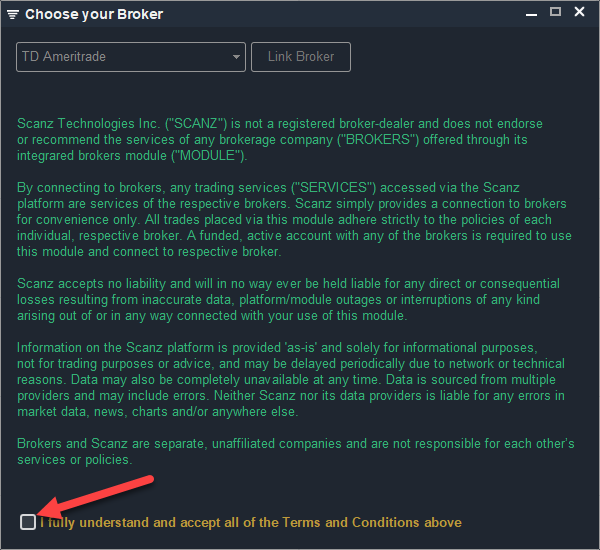
Step 3: Read the Terms & Conditions and check the box at the bottom stating that you fully understand and agree with the Terms. After you check the box the menu at the top will be enabled.
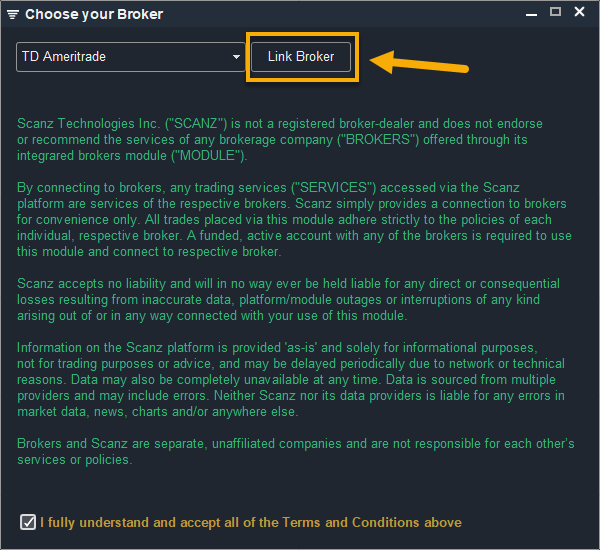
Step 4: Select TD Ameritrade in the menu and click Link Broker.
Step 5:
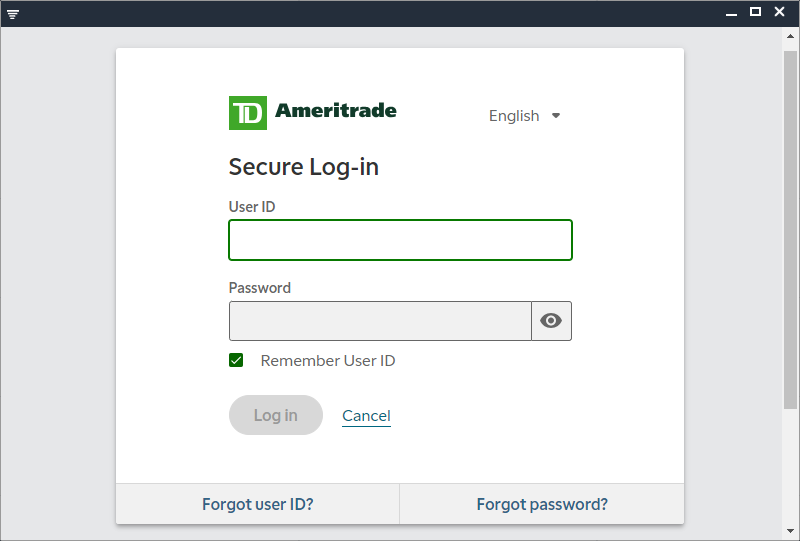
The secure TD Ameritrade login window will appear. Enter your TD login credentials and click Login:
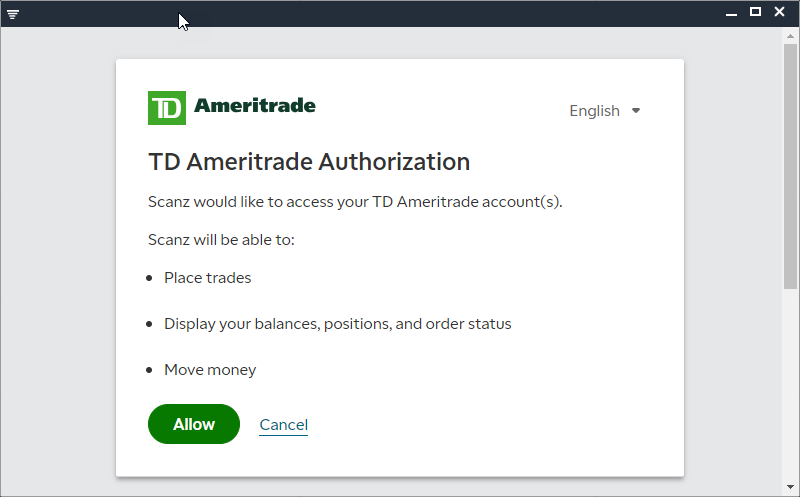
Click Allow on the next screen.
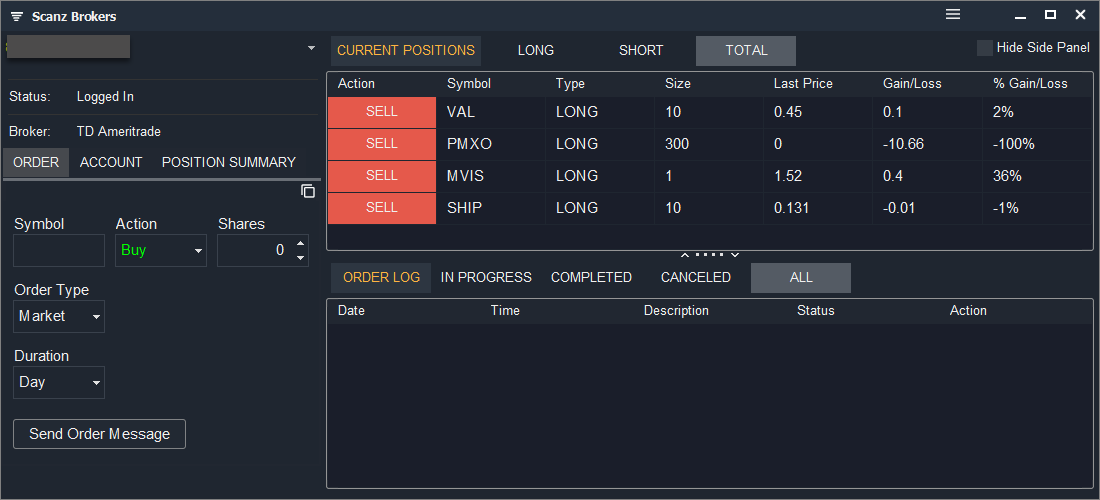
The Scanz trading interface will open and trading will be enabled via your TD Ameritrade account: