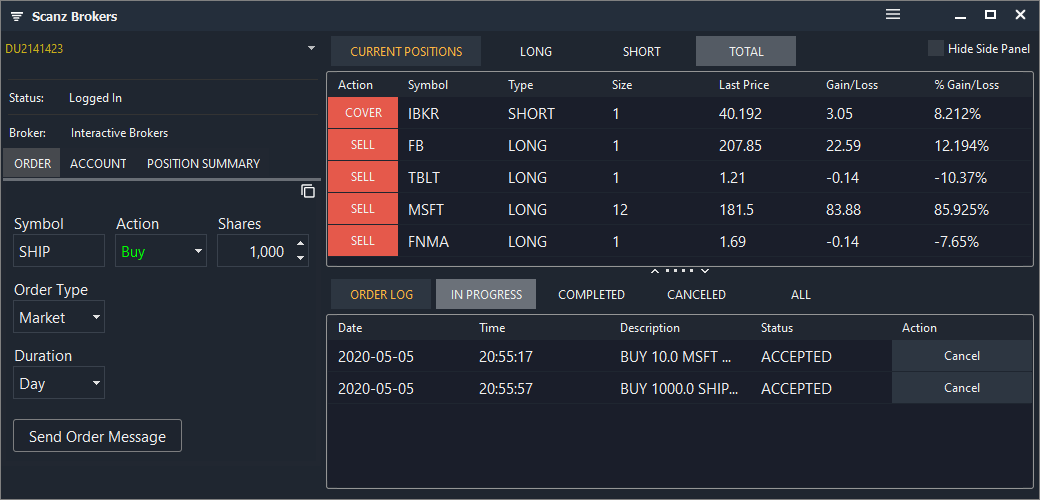
Connecting Scanz with Interactive Brokers
To connect your Scanz platform to your Interactive Brokers account, follow the steps listed below:
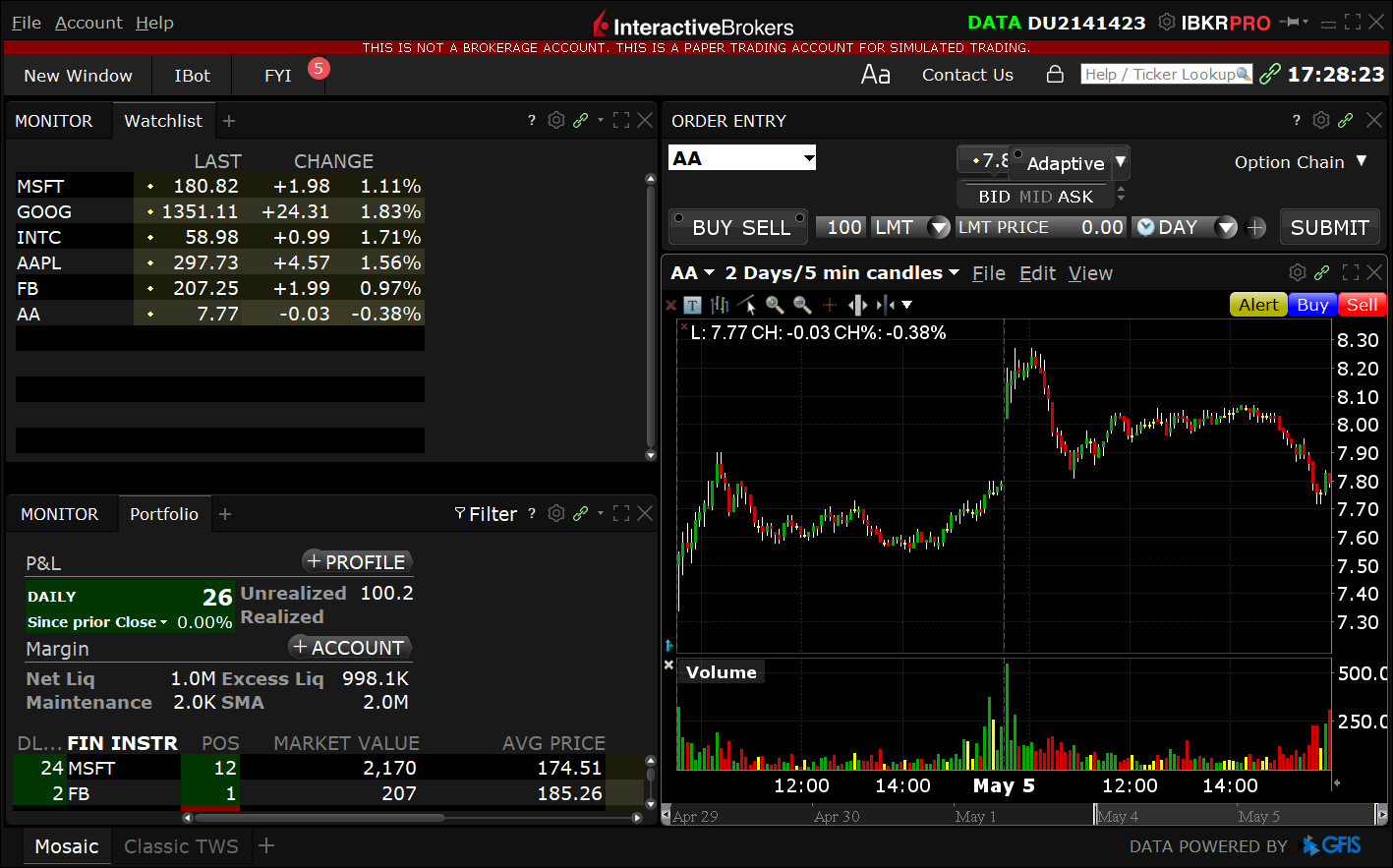
Step 1 : Launch your Interactive Brokers platform.
Step 2 :
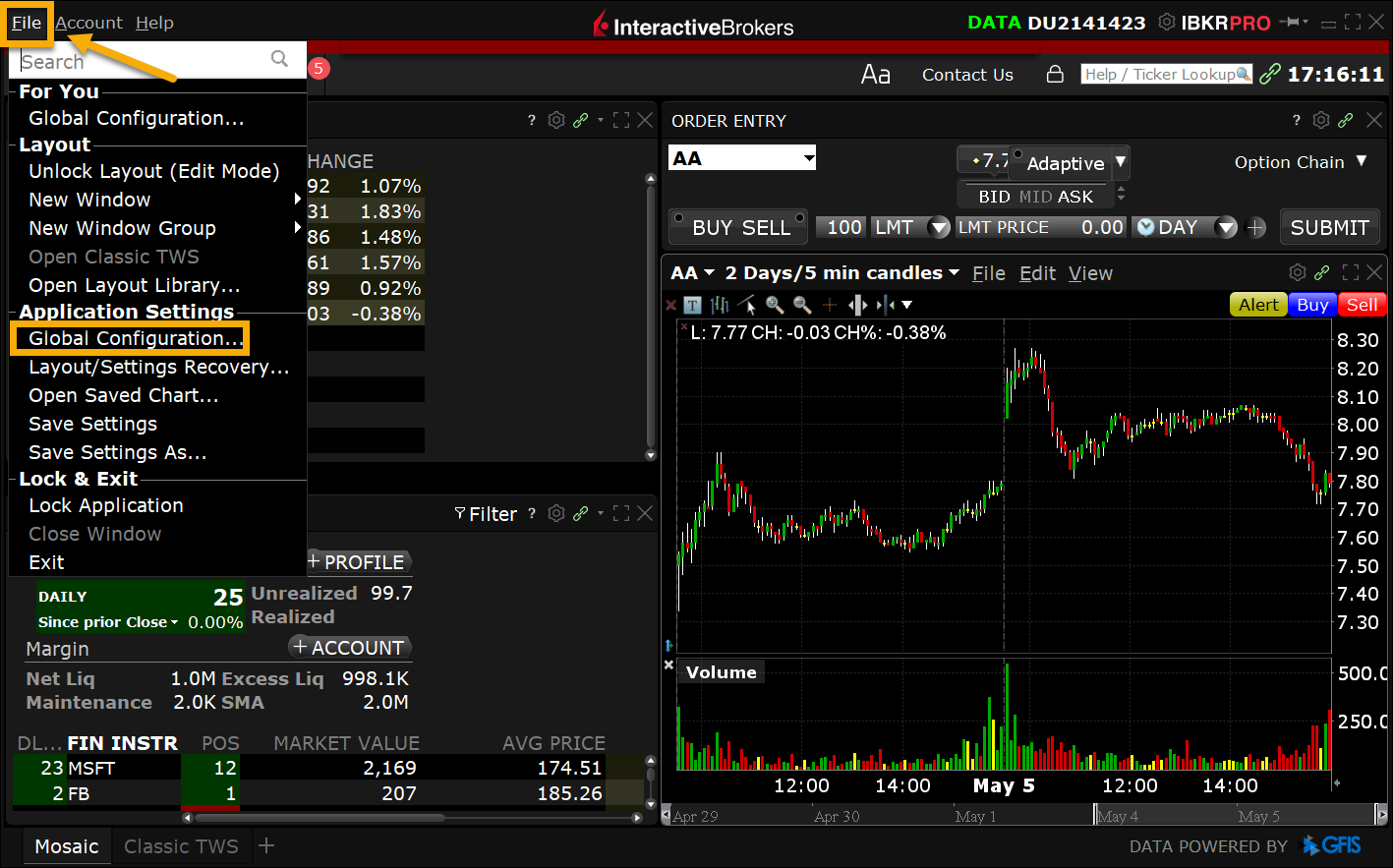
From the top menu, select **File **and click Global Configuration from the drop-down.
Step 3 :
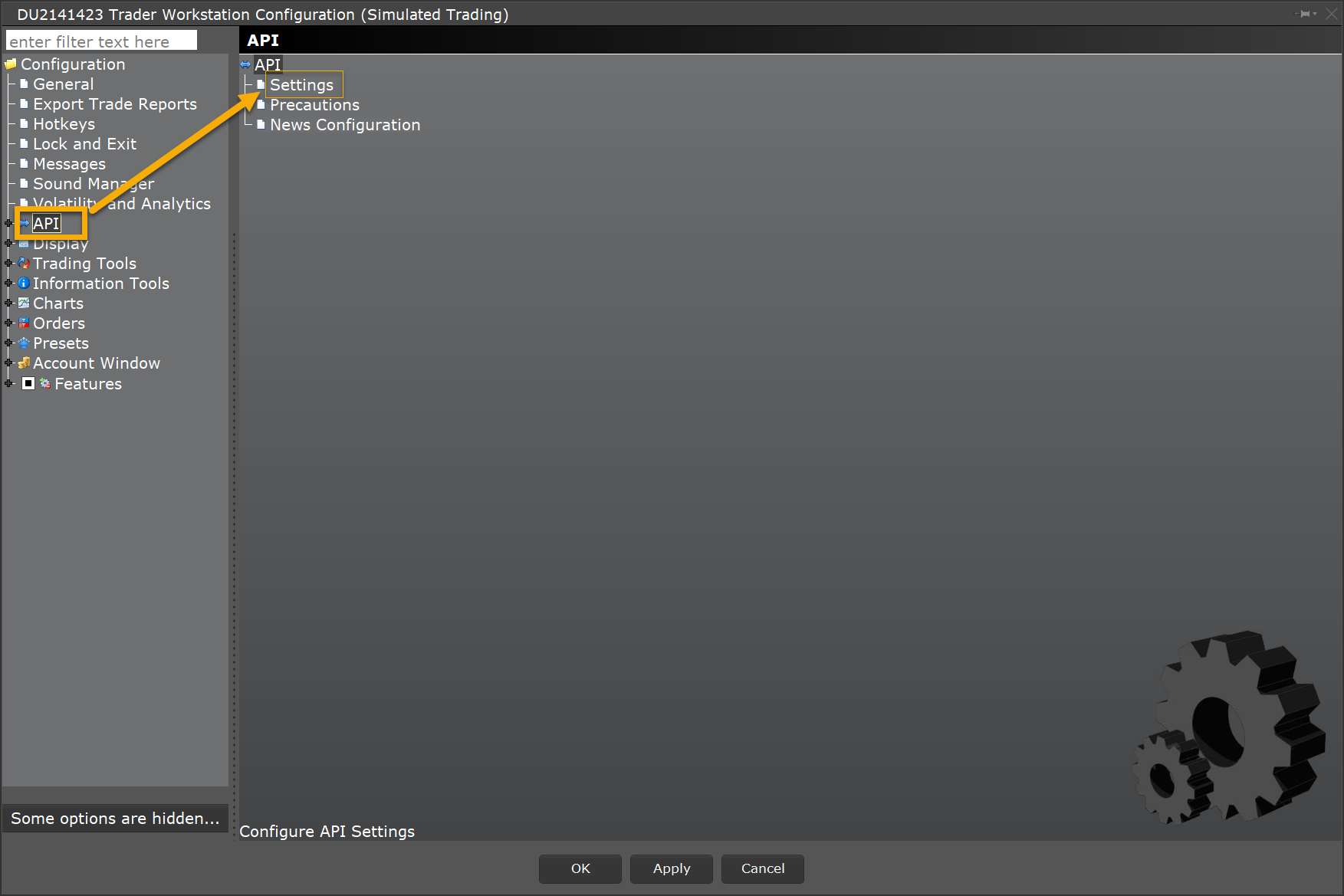
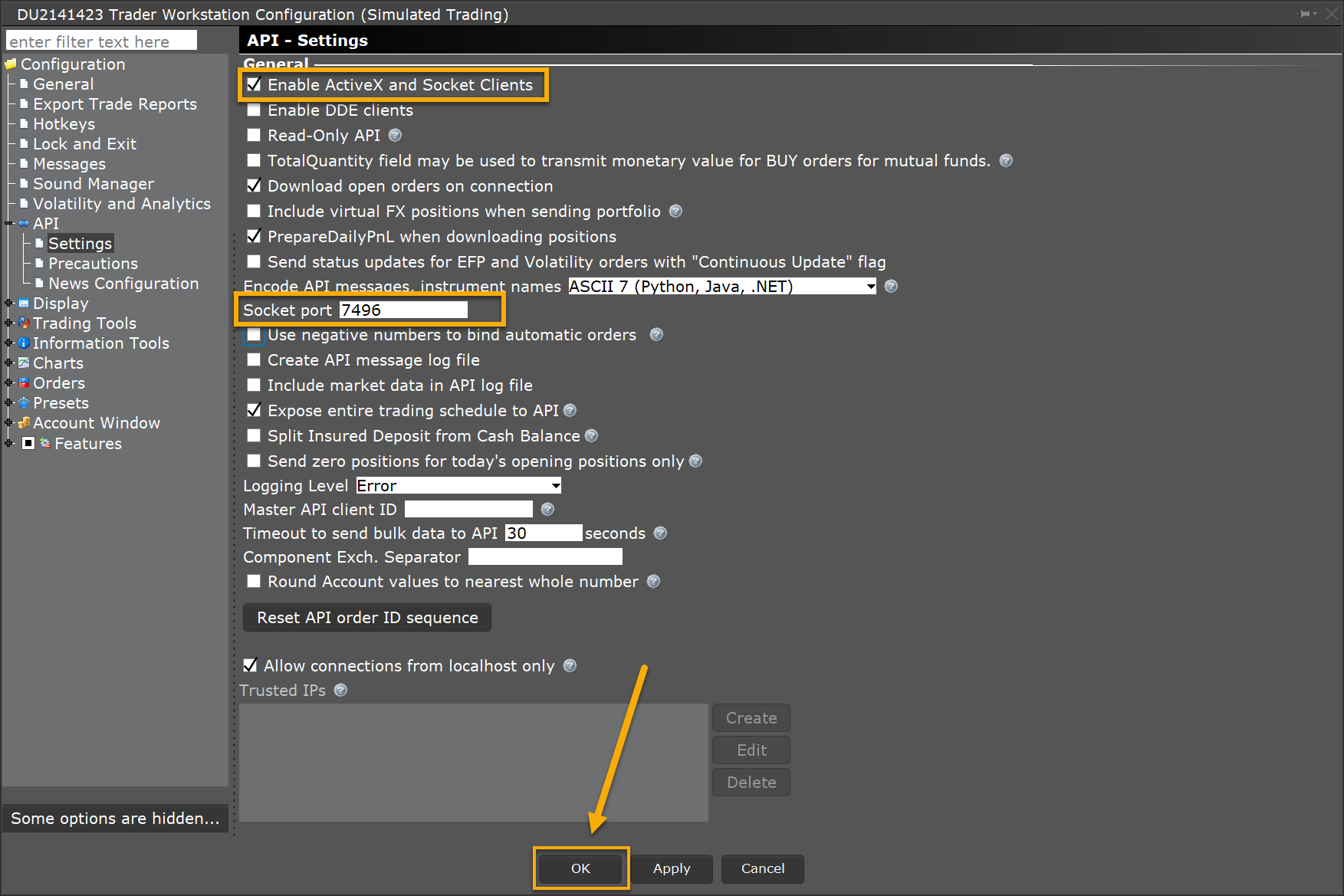
From the pop-up window, select **API **followed by clicking Settings.
Step 4 : (a) Select Enable ActiveX and** Socket Clients.** (b) Change the Socket Port field to **7496 **(7497 for paper trading accounts). (c) Click the **OK **button.
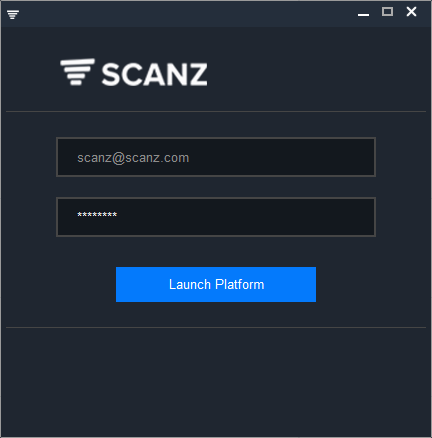
Step 7 : Launch your Scanz platform.
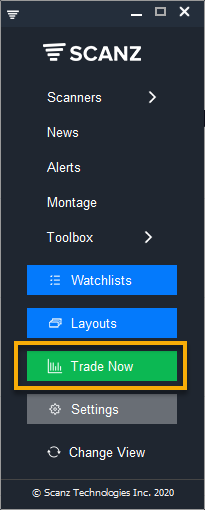
Step 8 : Click the green button Trade Now on the LaunchPad.
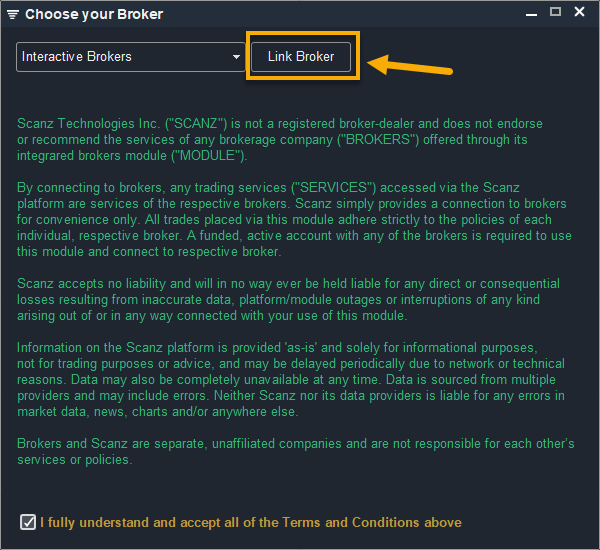
Step 9: Read the Terms & Conditions and check the box at the bottom stating that you fully understand and agree with the Terms. After you check the box the menu at the top will be enabled.
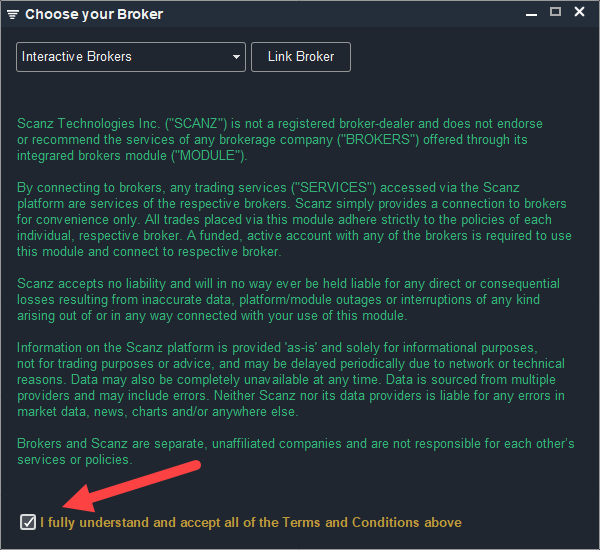
Step 10: Choose Interactive brokers in the menu and click Link Broker.
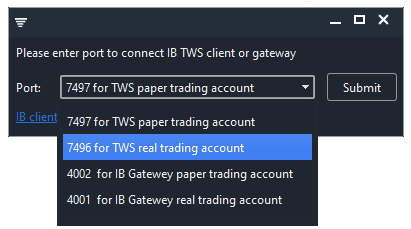
Step 11: A small popup window will appear. Select port **7496 **and click Submit
The Scanz trading interface will open and trading will be enabled via your Interactive Brokers account: